AMAZON FIRE TV STICK GUIDE
IPTV Firestick
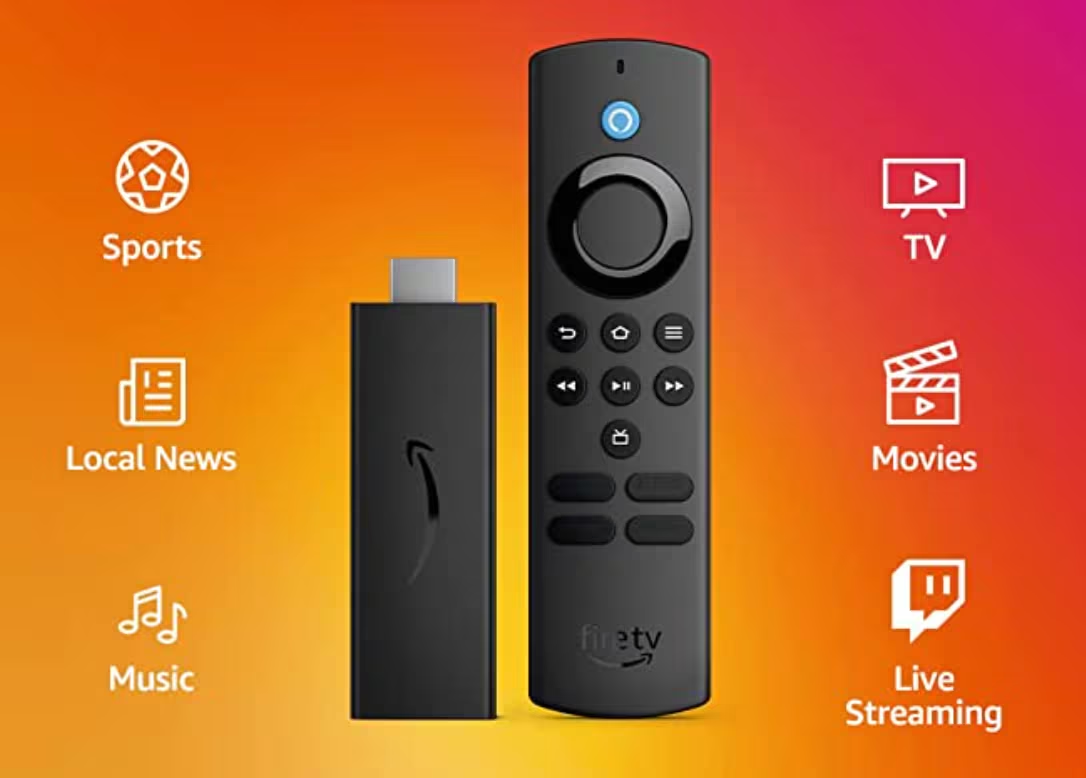
Firestick is one of the easiest ways to move IPTV onto the main TV screen without relying only on a built-in Smart TV store. Many viewers choose it because the device is familiar, easy to control with a remote, and flexible enough to work with several well-known IPTV player apps.
This page is designed to help you make the right device choice before you buy. It explains why Firestick is popular for IPTV, what you need before setup, how installation usually works, which apps people compare most often, what to do when an app is not available in the store, and when another device may be a better fit.
If you are comparing IPTV Firestick with Smart TV or Android TV, this guide gives you the practical information first, then points you to the right next page for packages, app guides, support, or broader device comparison.
Why IPTV Firestick Is a Popular Starting Point
Most visitors who search for IPTV Firestick are trying to answer practical questions. They want to know whether Firestick is a good device for IPTV, whether the setup is simple, which apps are commonly used, and whether the device is a better choice than relying on a television’s built-in system.
The most helpful pages in this topic usually cover the same big questions in a clear order: why people choose Firestick, what the normal installation path looks like, what apps are most often compared, how to think about compatibility, and where to go next if you need pricing or package guidance. That is the structure used here.
This also makes the page more useful for everyday visitors. Someone new to IPTV can use it as a starting point, while someone already closer to purchase can use the buttons to move directly to subscription plans, IPTV server packages, or support.
Jump to the Right Firestick Section
Use these quick buttons to move directly to the most useful part of the page.
What to Prepare Before Using IPTV on Firestick
Before using IPTV on Firestick, the most helpful thing you can do is prepare the basics. Make sure the device is connected to the television correctly, connected to the internet, and updated enough to run current apps smoothly. This gives you a cleaner setup experience from the start.
You should also know what kind of app login details you expect to use after installation. Depending on the player, this may be a playlist URL, Xtream details, or another account-based format. Understanding this early prevents confusion when the app opens for the first time.
Another good step is deciding what matters most to you. Some users mainly want a simple player interface. Others care more about app flexibility, guide layout, or whether the player works across several device types. The best Firestick setup path depends on those priorities.
Set Up the Device Properly
Make sure your Firestick is connected correctly, online, and running smoothly before installing any player app.
Know Your Login Method
Different player apps ask for different account details, so it helps to know what you will enter after installation.
Choose the Right Goal First
Some visitors want the easiest player, some want more features, and some are simply deciding whether Firestick is the right device.
What Makes Firestick Useful for IPTV?
Firestick is a practical IPTV device because it gives many users a cleaner TV-based experience than laptops or browser-based viewing. The remote interface is familiar, the device is compact, and it is easy to move between televisions if needed.
It also helps users who feel limited by some Smart TV stores. When a built-in TV platform does not offer the player app someone wants, Firestick often becomes the easiest alternative without making the setup overly technical.
Another reason Firestick works well is that it sits in the middle of the market. It is simple enough for many first-time users, but flexible enough for people who want more choice than a basic Smart TV path.
Easy TV-Based Viewing
Firestick gives many users a more comfortable television experience than desktop viewing or browser-based playback.
Better App Flexibility for Many Users
When a Smart TV store feels too limited, Firestick often becomes the easier and more flexible route.
Simple but Not Too Limited
Firestick often works well for users who want a balance between ease of use and broader app choice.
How IPTV on Firestick Usually Works
For many users, the easiest Firestick setup path starts from the official Fire TV interface. The typical flow is to search for the player app, open the Appstore listing, install the app, and then continue with the playlist or account details required by that player.
This step matters because it sets expectations correctly. The device itself is the platform, while the player app is what opens the content. Explaining that clearly helps users understand the difference between the device, the app, and the IPTV package.
When the app you want is available directly in the official store, the setup is usually much more straightforward. That is why many Firestick visitors search first for compatible player apps rather than beginning with a package page.
Typical Firestick Installation Path
1. Search for a compatible IPTV player from the Fire TV interface.
2. Open the app listing and install it when it is available in the official store.
3. Launch the player from the apps screen.
4. Enter the playlist, login details, or activation information required by that player.
What Happens After Installation
Once the player opens, users usually continue with account details or a playlist method supported by that app.
This is why application pages remain important after the main Firestick page.
What to Do If the App Is Missing
If the player you want is not available in the store, compare another compatible player first or move to support before forcing a confusing setup path.
Best IPTV Apps to Compare for Firestick
One of the strongest user needs on a Firestick page is app comparison. People often do not search only for IPTV Firestick. They also search for best IPTV app for Firestick, Firestick IPTV app, IPTV Smarters Firestick, TiviMate Firestick, and similar player-focused phrases.
This section helps with that decision by introducing the most recognizable player names in a simple way. The goal is not to force every app tutorial into one page. It is to help visitors understand which application path they may want to explore next.
IPTV Smarters Pro
A familiar player choice for users who want an interface that feels clear and easy to navigate across devices.
TiviMate
A strong option for users who want a more advanced player-style interface and often compare Firestick with Android TV.
XCIPTV
A useful app name to compare when you want a more complete view of Firestick-compatible IPTV players.
IBO Player
Worth comparing if you want another player path or plan to link this page into a wider app cluster later.
IBO Pro Player
Another supporting player option that can work well as a future detailed application guide.
Choose the App That Fits You
Some visitors want simplicity, others want more control. This is why app comparison belongs directly on a Firestick page.
When Firestick Is Better Than Smart TV — and When It Is Not
Firestick is not always the only option, and a useful production page should be honest about that. Some users may prefer Android TV if they want a wider app environment. Others may stay with a Smart TV if their television already supports the player they want and the interface feels smooth enough.
That said, Firestick is often the right middle-ground choice for people who want something more flexible than many Smart TVs without moving to a more advanced setup. This is why Firestick and IPTV remain closely connected in user searches.
If you are unsure whether to continue with Firestick or compare another path first, use the device comparison buttons on this page before making the final decision.
Choose Firestick When You Want More Flexibility
Firestick often makes more sense when the television’s built-in app options feel too limited.
Stay With Smart TV When It Already Fits
If your TV already supports the player you want and the interface feels smooth, Smart TV may still be enough.
Use a Device Guide When You Are Unsure
If you are still comparing screens and streaming paths, the devices page is the best place to continue before buying.
Common Firestick Questions After Setup
A strong Firestick guide should also answer the questions people often face after installation. What if the app is not in the store? What if playback is not as smooth as expected? What if the user wants a different interface? What if they are still unsure whether the device is right for them?
The most useful answer is not to overcomplicate the page. Instead, guide the user clearly. If the store app is not available, compare another player or move to support. If the device path still feels uncertain, compare Firestick with Smart TV or Android TV. If the visitor is already ready to buy, move them to pricing or packages.
This practical structure gives the page more value than a generic sales pitch because it mirrors how real users think.
If the App Is Missing
Try another compatible player first or move to support if you are unsure which path makes the most sense.
If You Want a Different Interface
Open another app guide instead of forcing one player to fit every preference.
If You Are Ready to Buy
Once the device path is clear, move straight to pricing or packages instead of staying stuck in research mode.
How to Get the Best Experience on IPTV Firestick
The best experience usually comes from matching the device, the app, and the package correctly rather than choosing them in isolation. Firestick can be an excellent device, but the player app and the service details still shape how the setup feels day to day.
This is why it helps to think in layers. First choose the device path. Then choose the player style that fits you best. Then move to the package or plan page. A page like this is most useful when it supports that sequence clearly.
If you want a neutral explanation of what IPTV means at a technology level, you can read Britannica’s overview of IPTV before continuing with the Firestick path.
Frequently Asked Questions About IPTV Firestick
Below are the questions people most often want answered before they commit to IPTV on Firestick. Covering them directly makes the page more useful and gives visitors a clearer next step.
Why do many people use Firestick for IPTV?
Because it gives them an easy television-based setup path, a familiar remote interface, and more app flexibility than some built-in TV systems.
Is Firestick only useful if I already know which app I want?
No. It also works well as a starting point for users who are still comparing player apps and deciding which path feels simplest.
What should I do after choosing Firestick?
The next step depends on your goal. Move to pricing if you want to compare plans, to packages if you want to browse server options, or to an app guide if you already know which player you want.
Should I compare Firestick with other devices first?
If you are unsure about the best hardware path, yes. The IPTV Devices page helps you compare Firestick with Smart TV and Android TV before you commit.
Ready to Use IPTV on Firestick?
When you are ready, continue to pricing to compare plan lengths, open the packages page to review IPTV server options, or move to the devices page if you still want to compare Firestick with Smart TV or Android TV.
You can also open a player guide if you already know which app you want to use.